The Picture
The Transforms
| A |
|
|||
| B |
|
|||
| C |
|
|||
Controls
| Combine: | |
| Points per update: | |
| Iterations per point: | skip: |
| Colour range: | |
| Grid: | |
| Scale: | |
| Scroll: | |
| Actions: |
| Counter: | . |
| Centre: | . |
Press 'h' for help.
Examples
Use the buttons to scroll the images, clicking on an image will load the parameters into the viewer, where you can experiment.
You can watch YouTube videos generated using this page here.
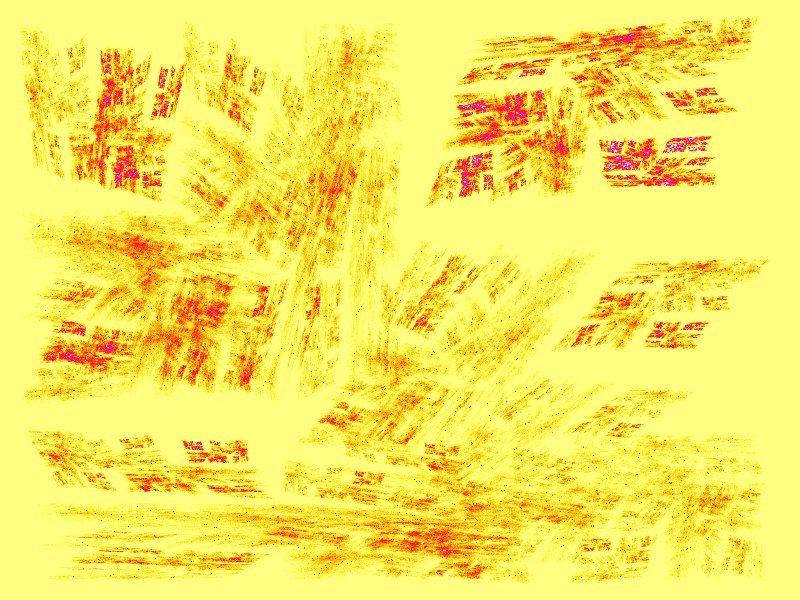
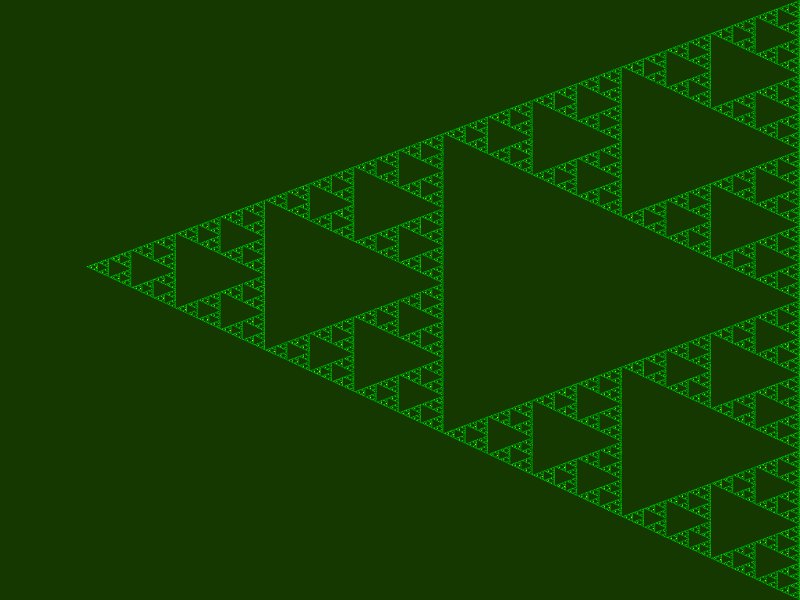
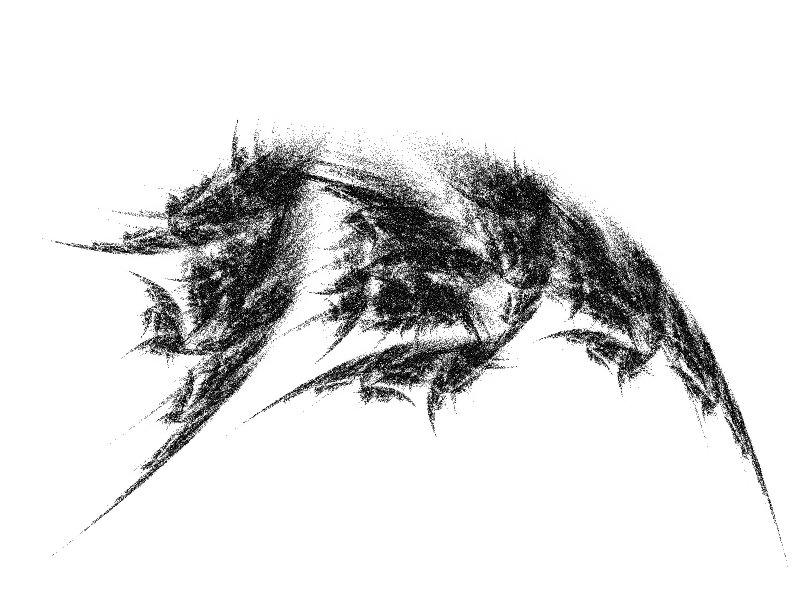
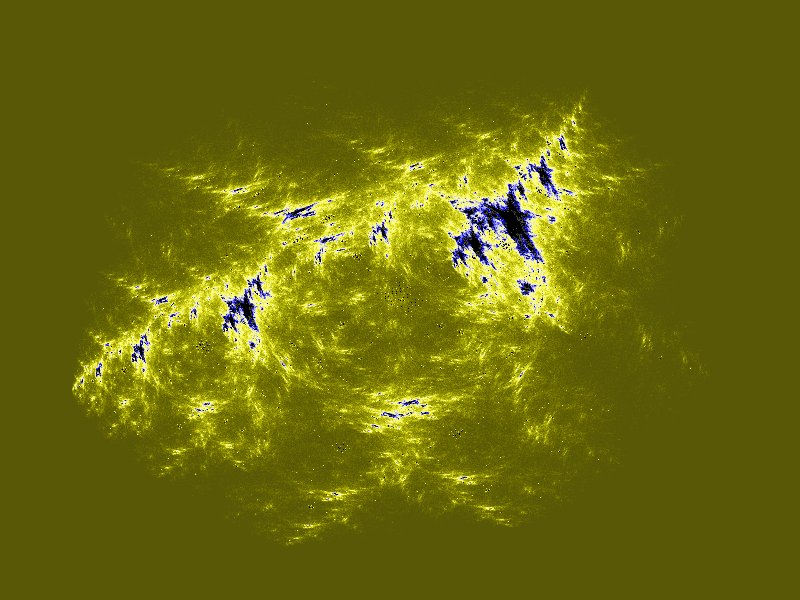
Affine Ancient Java applet
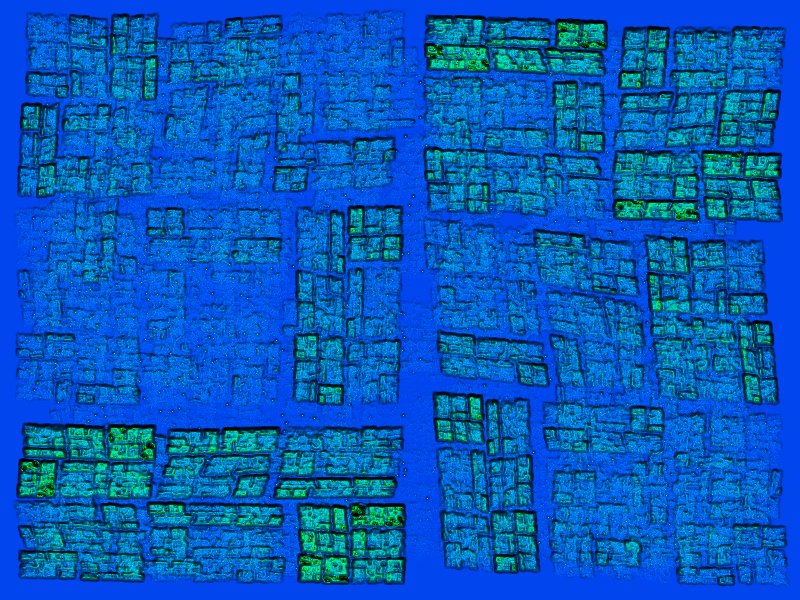
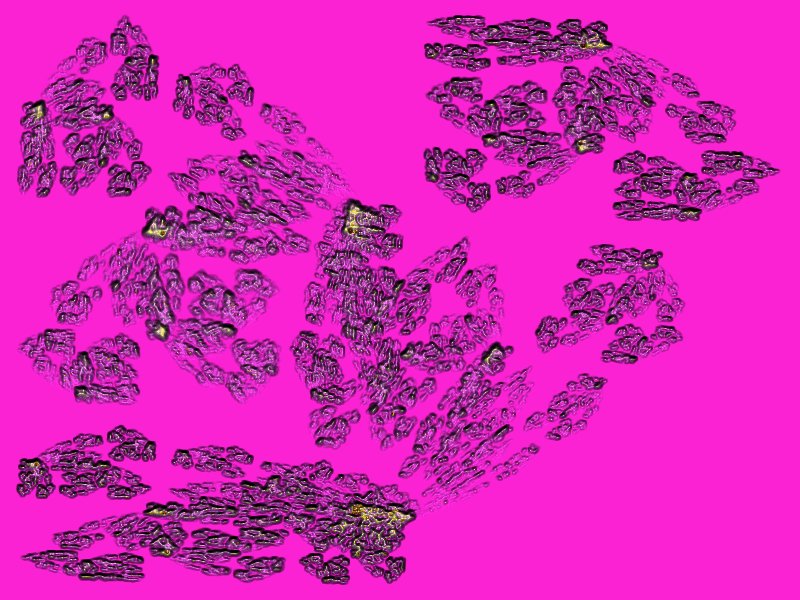
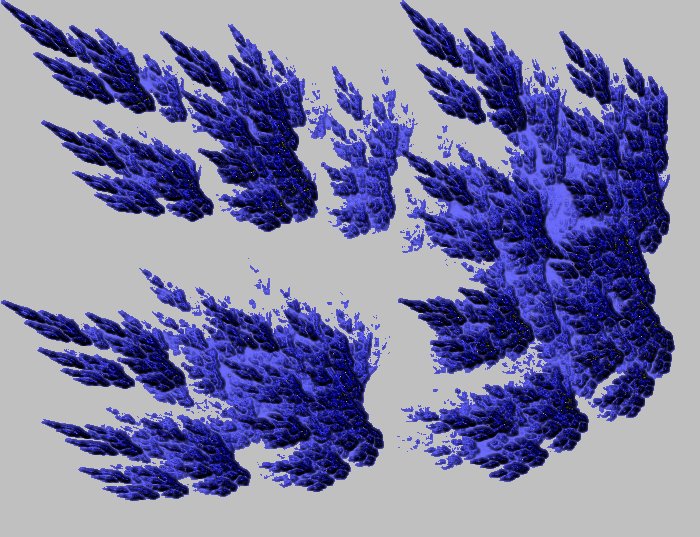
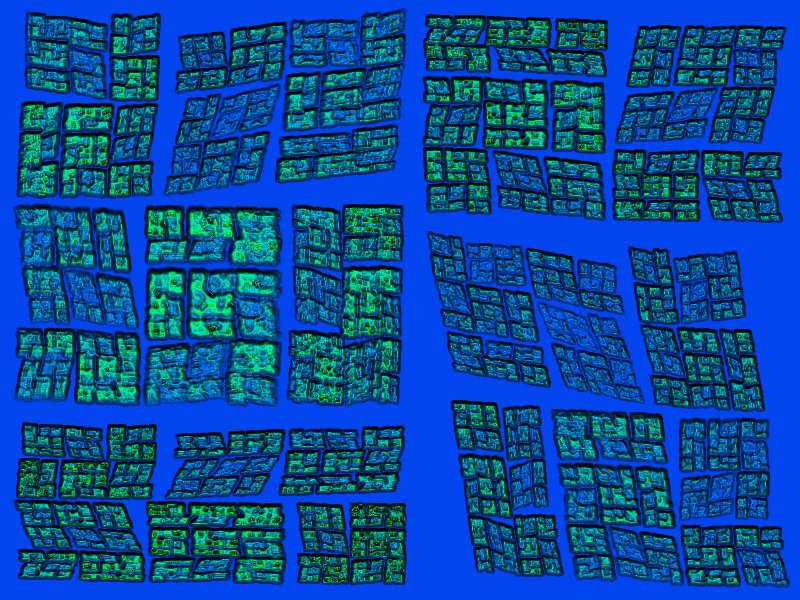
The pictures on this page are from an ActiveX control I wrote years ago, so long ago in fact I can no longer find the source code.
A collection of patterns that have been put through the PaintShop Pro 4 hot wax special effect.
 |
 |
 |
 |
And even more ancient OCX
 |
 |
 |
 |
 |
Construct Transform X
A affine transformation is the combination of a rotation, a skew, a reflection and a stretch plus a translation. We can reduce this to 2 angles, 2 stretches and a vector
|
|
||||||||||||
Save Text
To save the parameters to reconstruct this pattern cut and paste the content below.
Load JSON Text
Paste some previously saved JSON into this window to restore a previous pattern.
Transform X
Instructions
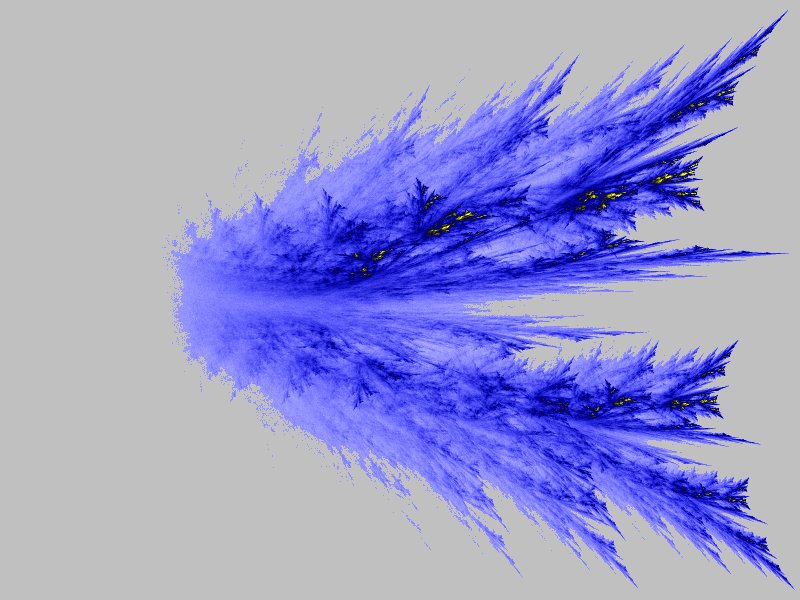
This application allows you to construct fractal patterns showing the attractors of a sequence of random affine transformations. You can define three transformations and then combine 2 or 3 them to produce the patterns.
The application also allows you to construct a pattern from a single transformation but this will be regular rather than fractal.
The controls are:
| Combine: | Allows you to choose which of the transforms, A, B and C, are used. |
| Points per update: | How many points are drawn for each tick of the timer. |
| Iteration per point: | The algorithm works by selecting a random point and repeatedly applying one of the transforms to it at random. The first few iterations all pass through the same few locations and to see the ultimate shape of the attractors it is best to omit these. The default settings will skip the first 10 iterations and then draw the next 10. To see the earlier iterations you can reduce the skip setting to 0. Setting large numbers of iterations usually doesn't have much effect as the iterations converge (or diverge) quite quickly. |
| Colour range: | The pixels are coloured based on how many iterations have converged on them. The colours start at black and become brighter as the number of hits increases. The colour range is the number iterations that saturate the colour value. The scale is logarithmic so large values won't obscure the less frequently visited points. The application remembers the number of hits for each point so the colour range can be changed without having to recalculate all the points. |
| Grid: | Superimposes a grid, the grid lines are separated by 1.0. |
| Scale: | Allows you to zoom in and out, larger number zoom in further. |
| Scroll: | Allows you move the origin of the image. '☉' restores the centre to the origin. The percentage selection chooses how far to scroll the image in the direction indicated by the selected arrow. |
| Actions: | Draw: Restarts drawing, required to apply changes in the scale and iterations. Stop: Pauses updates. Result: resumes updates. |
| Construct: | Launches a separate editor to allow you to modify the transformations. |
| Shows: | Displays the transform as a matrix. |
| ?: | Shows this help. |